Invite teammates
Make an invite link for an editor or a viewer, send it however you like, and they join with their own account.
FormsAI Pro
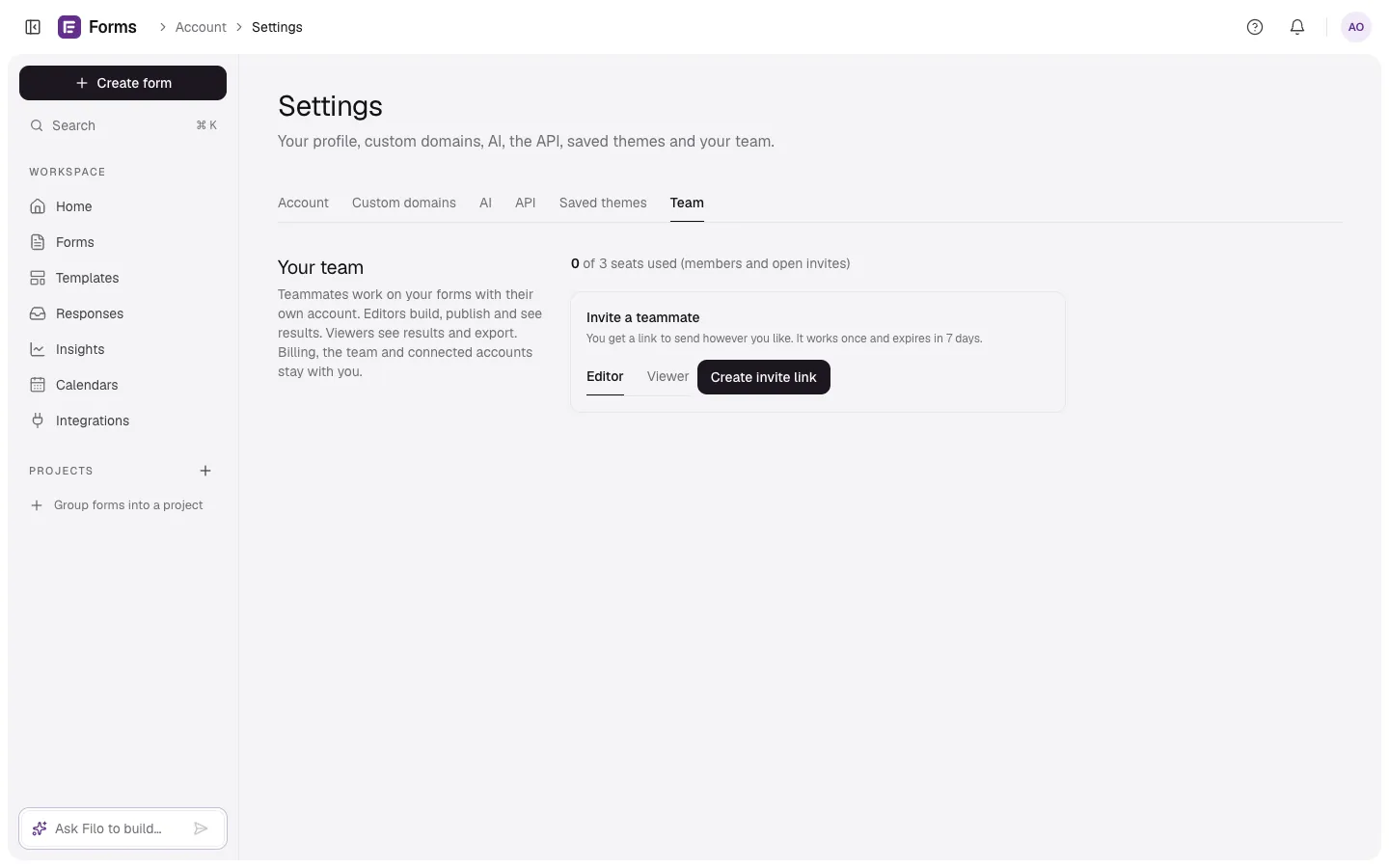
- Go to Settings → Team.
- Under Invite a teammate, choose Editor or Viewer.
- Select Create invite link and copy the Invite link.
- Send it to your teammate by email, chat or anything else. It works once and expires in 7 days.
Your teammate opens the link, signs in or creates a free account, and joins. They work with their own email and password; you never share yours.
Seats
Pro includes 3 teammates at no extra cost (a team of four with you). Pending invites hold a seat until they're used or cancelled. When all seats are taken, remove someone or cancel an invite to free one.