Change plan, update your card, get invoices or cancel
Manage billing opens Polar's portal for your card, invoices, plan changes and cancelling.
Every plan
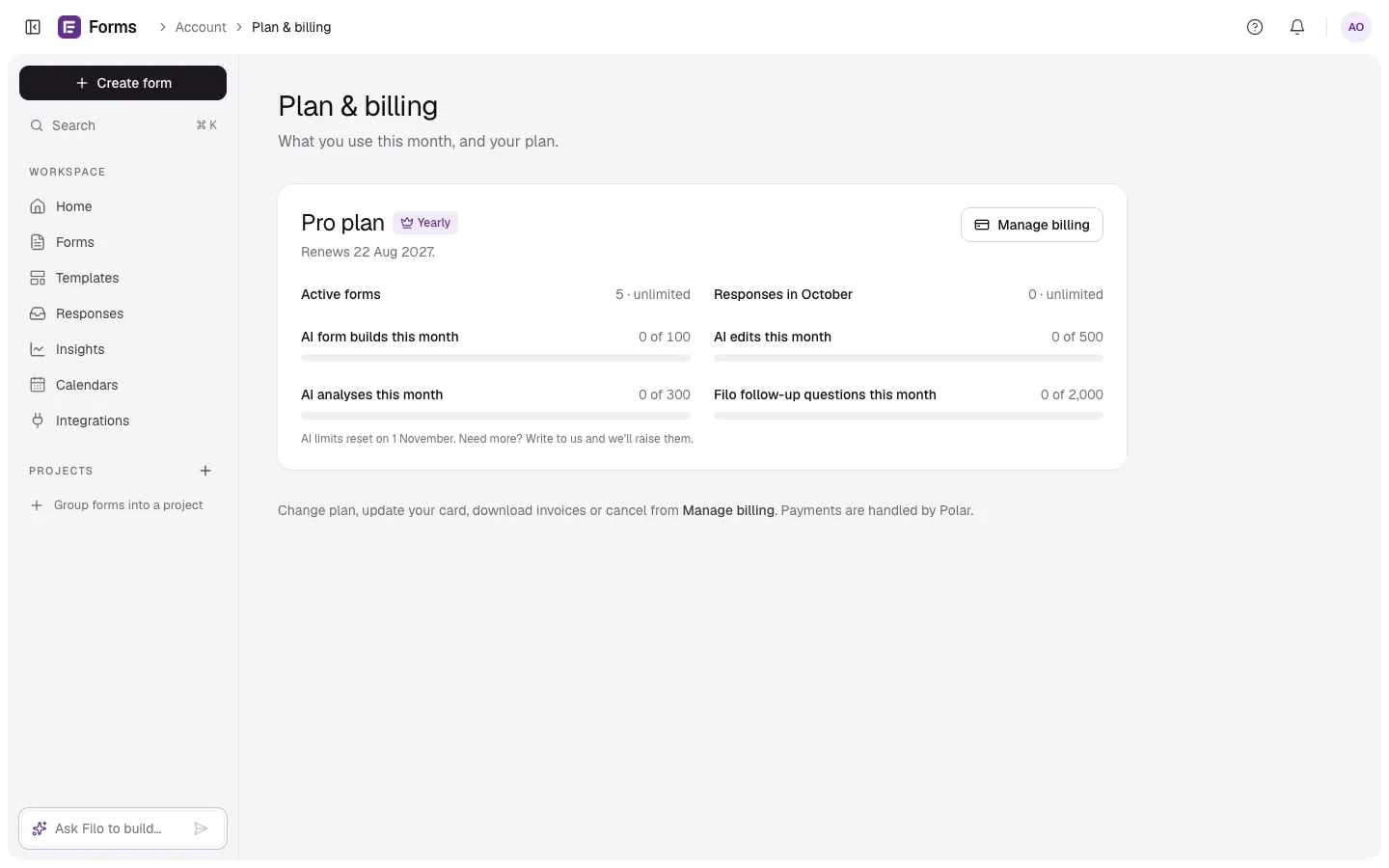
In Plan & billing, select Manage billing. Polar's customer portal opens, where you can:
- Update your card.
- Download invoices.
- Change plan.
- Cancel. Pro stays on until the end of the period you've paid for; the page says “Cancelled — Pro stays on until…”.
Manage billing is there when you bought Pro on the web. Pro bought in the iPhone app is managed by Apple (see Pro from the App Store), and Pro given to you by FormsAI shows as Complimentary, with nothing to renew or pay.
If a payment fails, Plan & billing says “Your last payment failed. Update your card to keep Pro.” Pro stays on while Polar retries.
Plan & billing also shows what you've used this month: active forms, responses, and your AI allowances with the date they reset.