Find, duplicate, archive and delete forms
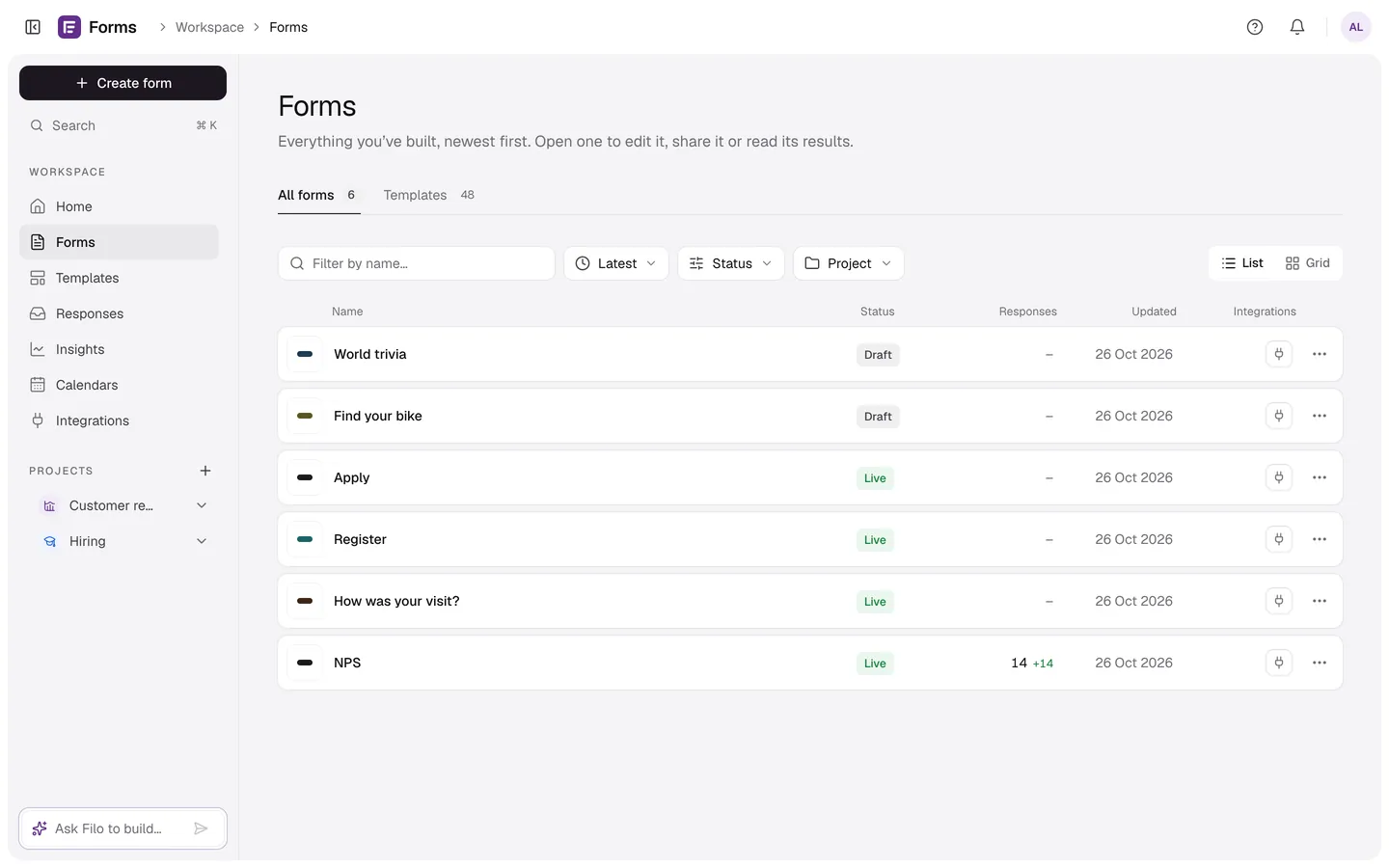
The Forms page: search, filter by status, sort, switch between list and grid, and each form's menu.
Every plan
On this page
Find a form
Use Filter by name…, the Status filter (Drafts, Live, Closed, Archived), the sort (Latest, Oldest, A–Z, Most responses) and List or Grid. ⌘K searches every form from anywhere.
A form's menu
| Action | What it does |
|---|---|
| Edit form | Opens the builder. |
| View results | Opens Results. |
| Copy link | Copies the public link (live forms). |
| Duplicate | Makes a copy called “(copy)” as a new draft in the same project, without responses. |
| Move to project | Puts it in a project, or back to No project. |
| Archive | Stops new responses (the link shows your closed message) and moves the form out of your list. Find it under Archived. |
| Restore | Brings an archived form back. |
| Delete forever | Archived forms only, and only the account owner: deletes the form with all its responses and files. It can't be undone. |