Preview your form
Try the form as respondents will, on desktop, tablet or phone sizes, from the start or from any screen.
Every plan
- Select Preview (⌘P) for the whole form, or Play from here under the canvas to start at the selected screen.
- Pick Desktop, Tablet or Mobile.
- Answer it like a respondent. Logic, recall, scores and validation all run. Restart starts over; Start from selected screen jumps back to where you were.
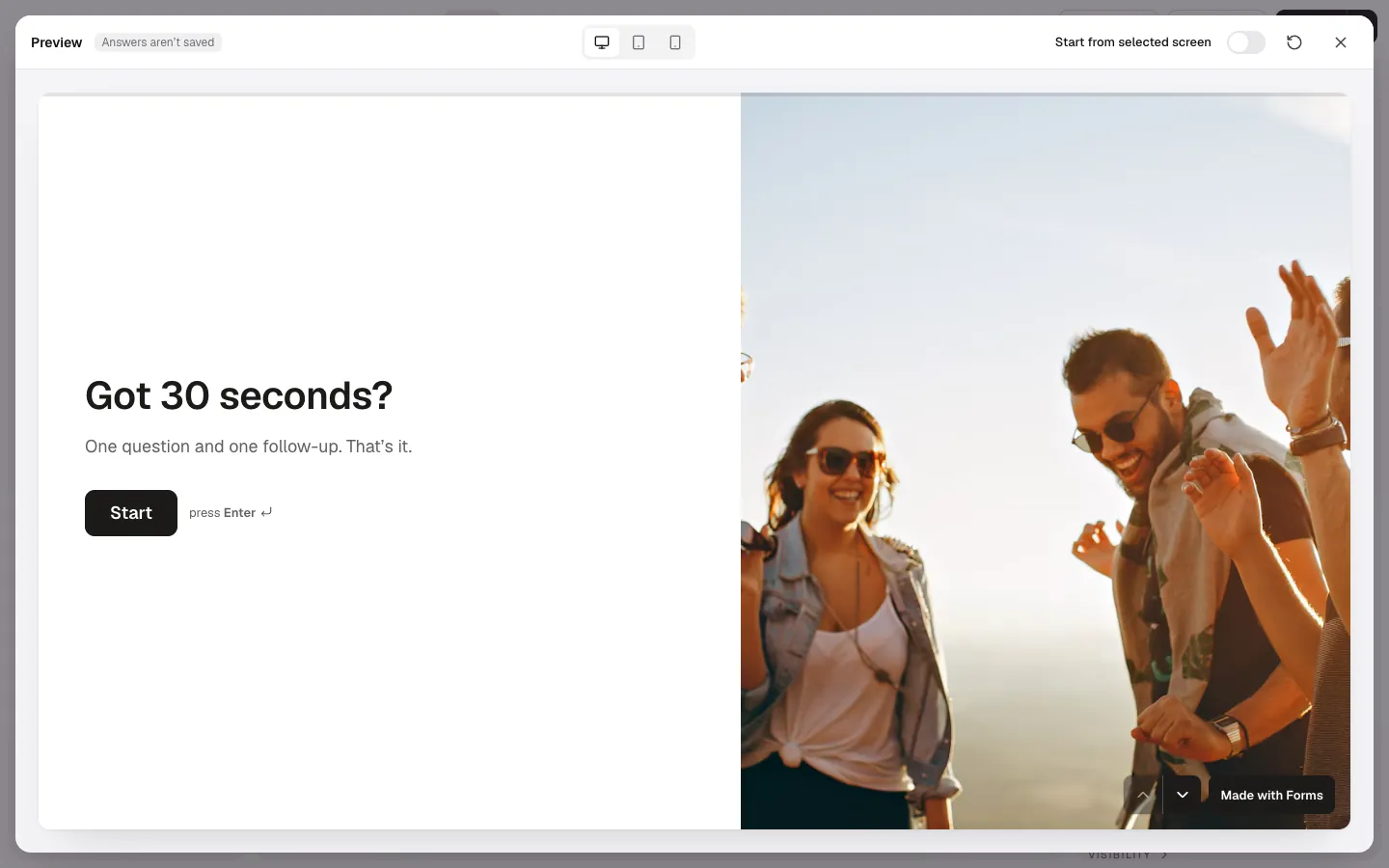
The preview runs your current draft on the real public renderer, so it shows unpublished changes. Answers aren’t saved: nothing reaches Results, and payments and bookings don't go through.