Results: where your answers go
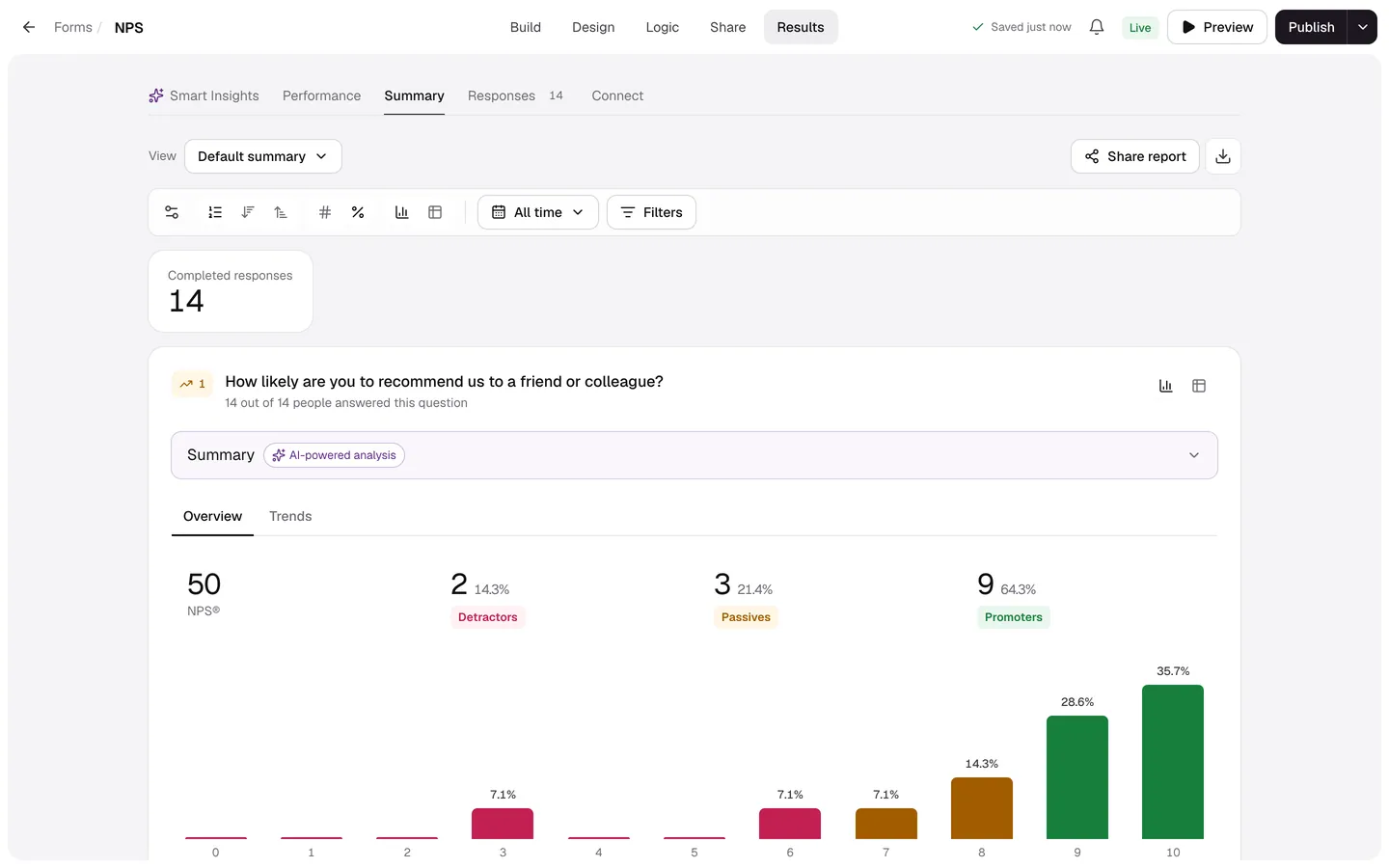
A form's Results tab has five views: Smart Insights, Performance, Summary, Responses and Connect.
Every plan
Open a form and select Results, or choose View results from its menu on the Forms page. Responses appear here the moment someone finishes.
| View | What it shows |
|---|---|
| Smart Insights (Pro) | Themes and sentiment in written answers, trends, comparisons between groups and Ask AI. |
| Performance | Views, starts, submissions, completion rate, time to complete and drop-off by screen. |
| Summary | A chart or table for every question, with filters, saved views and a shareable report. |
| Responses | Every response in a table, with search, filters, tags, Spam and exports. |
| Connect | Where responses go next: email alerts, Google Sheets, webhooks and app actions. |
The Responses page in the sidebar is a shortcut: pick a form to read and export its answers.
What counts as a response
- Completed responses reached an ending.
- Partial responses are from people who started but didn't finish (when partial answers are on).
- Test responses are ones you generated; they never count towards your plan.
- Responses that look automated go to Spam, out of your results and integrations.